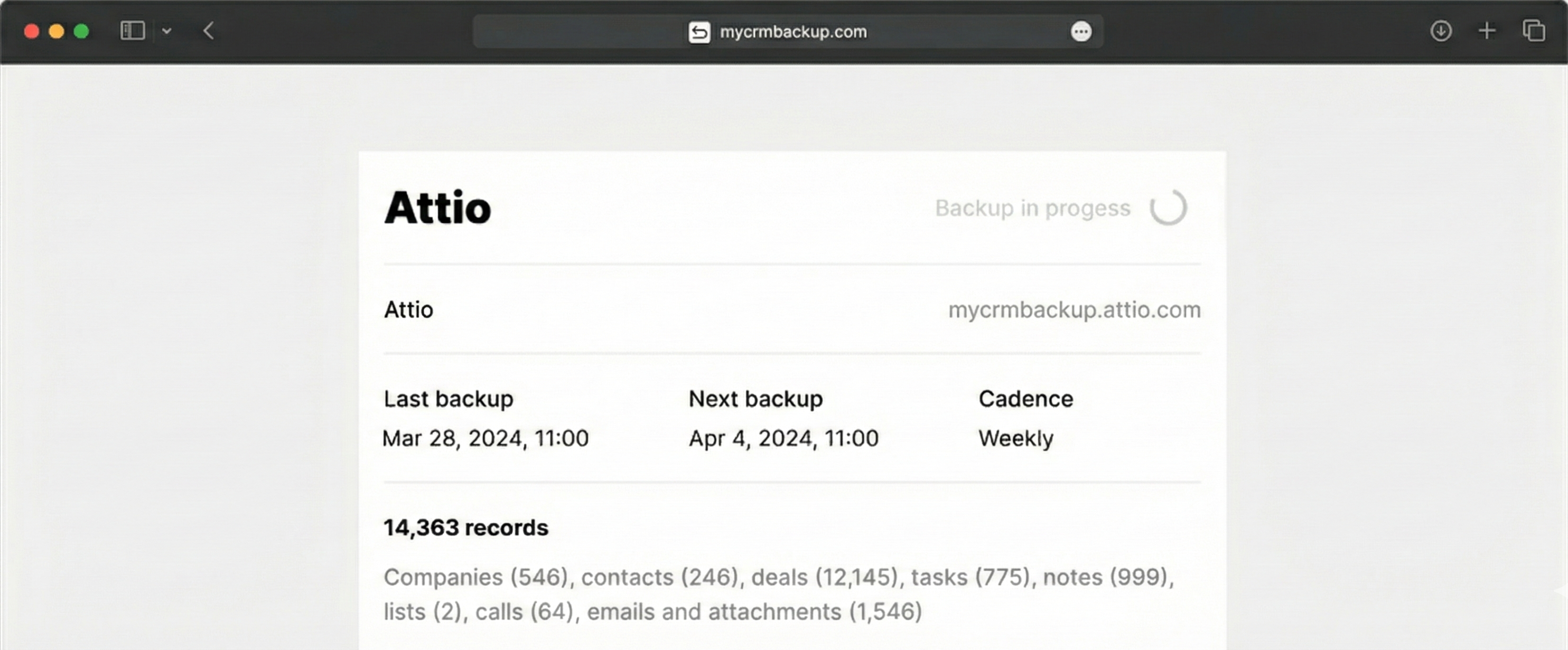
A bad import, a bulk edit, or a misconfigured automation can overwrite fields, delete data, or create a mess in your Attio account. Your backup gives you a way back to normal.
Have Your Own Copy, Always
Attio is not a backup tool. Keep a full copy of your CRM data in your own cloud storage, where you control access.
Use Attio Data Beyond CRM
Your backups aren’t just for emergencies. Use them to feed BI tools and AI — analyze deal flow, summarize interactions, or find patterns in your pipeline over time.
How Attio Backup Works
1. Connect Attio
Authorize MyCRMBackup to read data from your Attio account via API.
2. Choose Your Storage
Point the backup to your own cloud storage account, so all files land in a folder you control.
3. Set the Schedule and start
Pick how often you want to back up Attio — daily or weekly. Run your backup.
Spot the Difference
MyCRMBackup for Attio
▪︎
Runs on a schedule you set — no manual exports, no reminders.
▪︎
Captures the full picture: deals, contacts, companies, activities, emails, notes, custom objects, lists, attachments, and more.
▪︎
Stores everything directly in your own cloud storage for long-term retention and compliance.
Manual Attio Export
▪︎
Let’s be honest. You will never remember to run it.
▪︎
Requires repeating the same export steps manually every time.